How to sell a package
Last modified:
To manually sell a package to a customer, log in to DIKIDI Business. You can sell a package in two ways.
Method 1
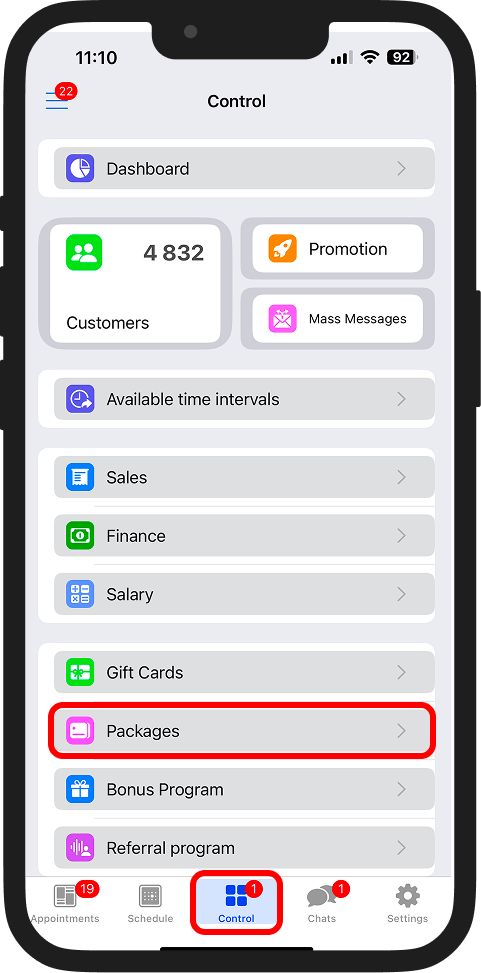
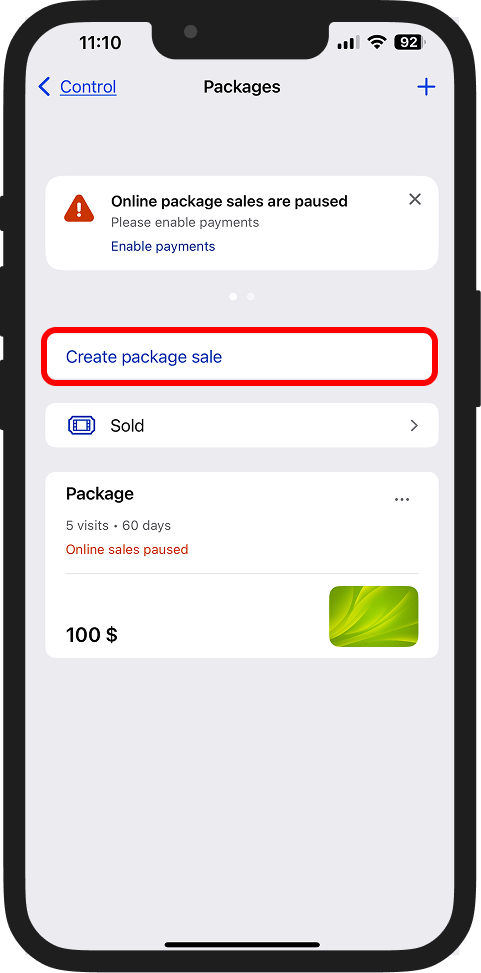
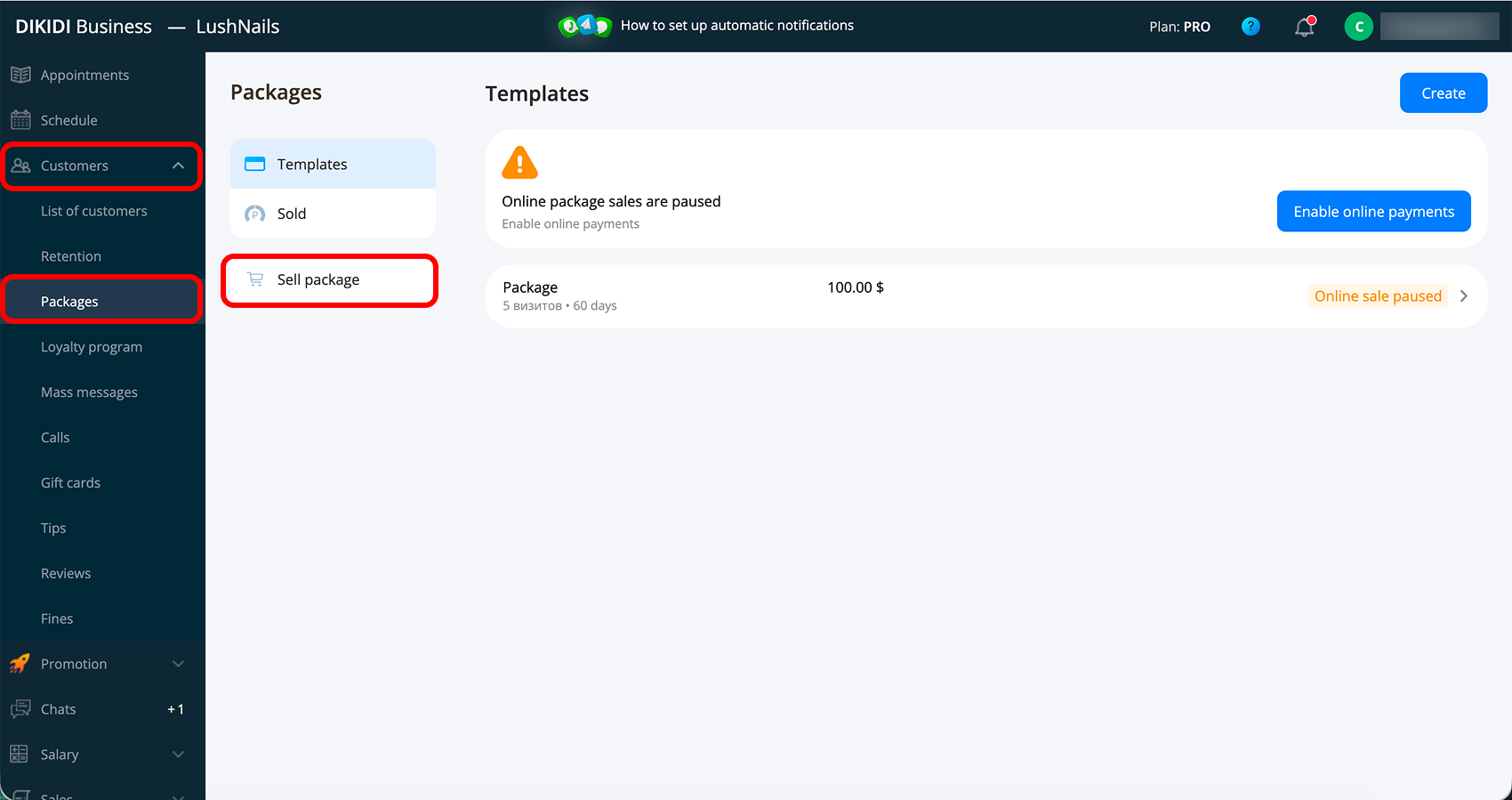
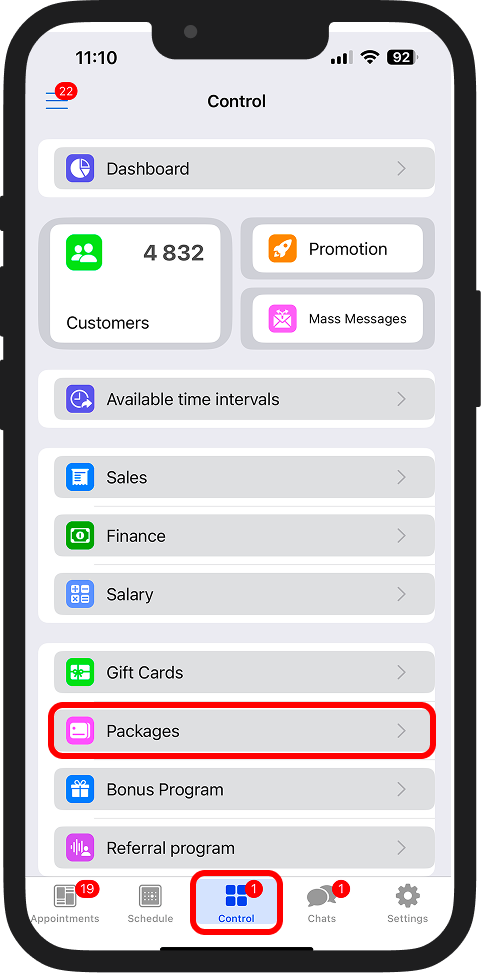
1️⃣ Go to the "Control" → "Packages" section and click "Sell package", “Create package sell" in the app;
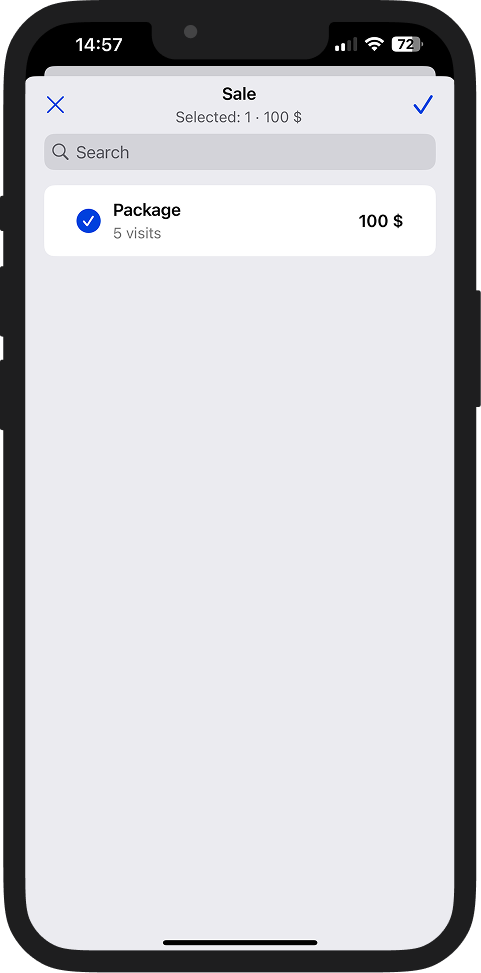
2️⃣ Select the package you want to sell;
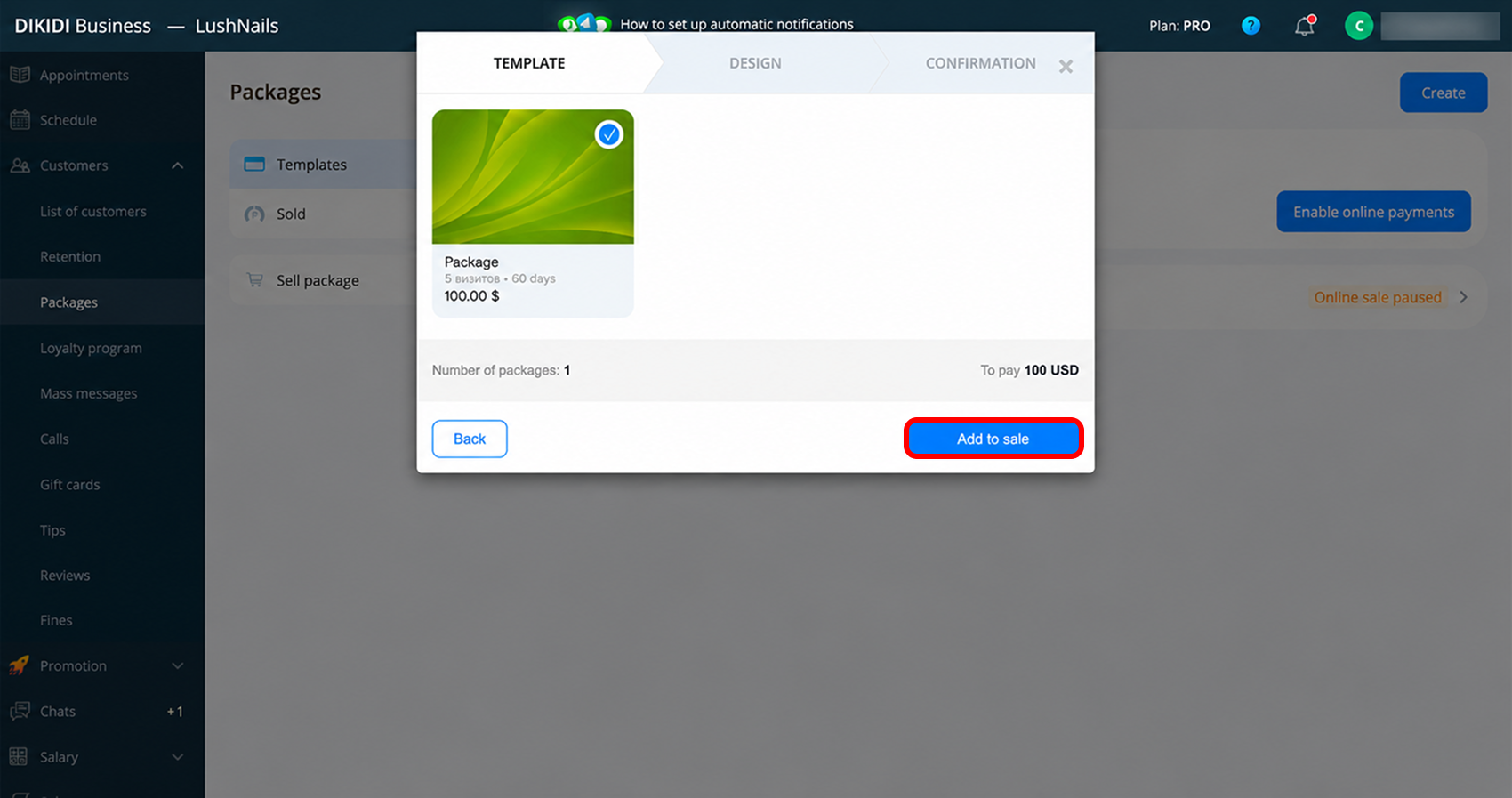
3️⃣ Select a customer from the list or create a new one;
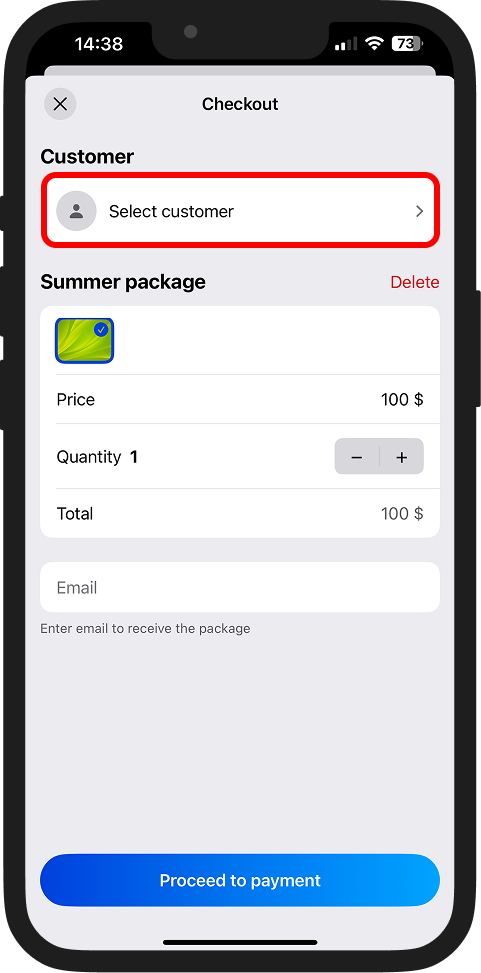
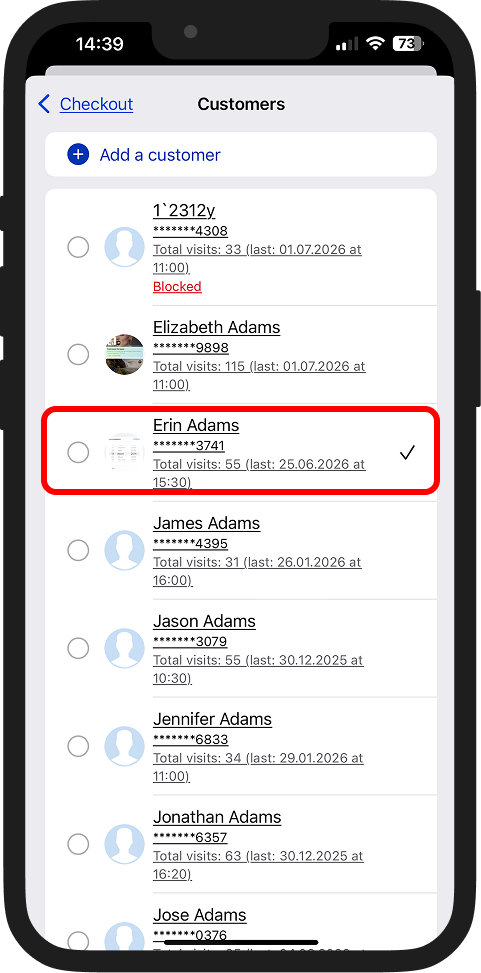
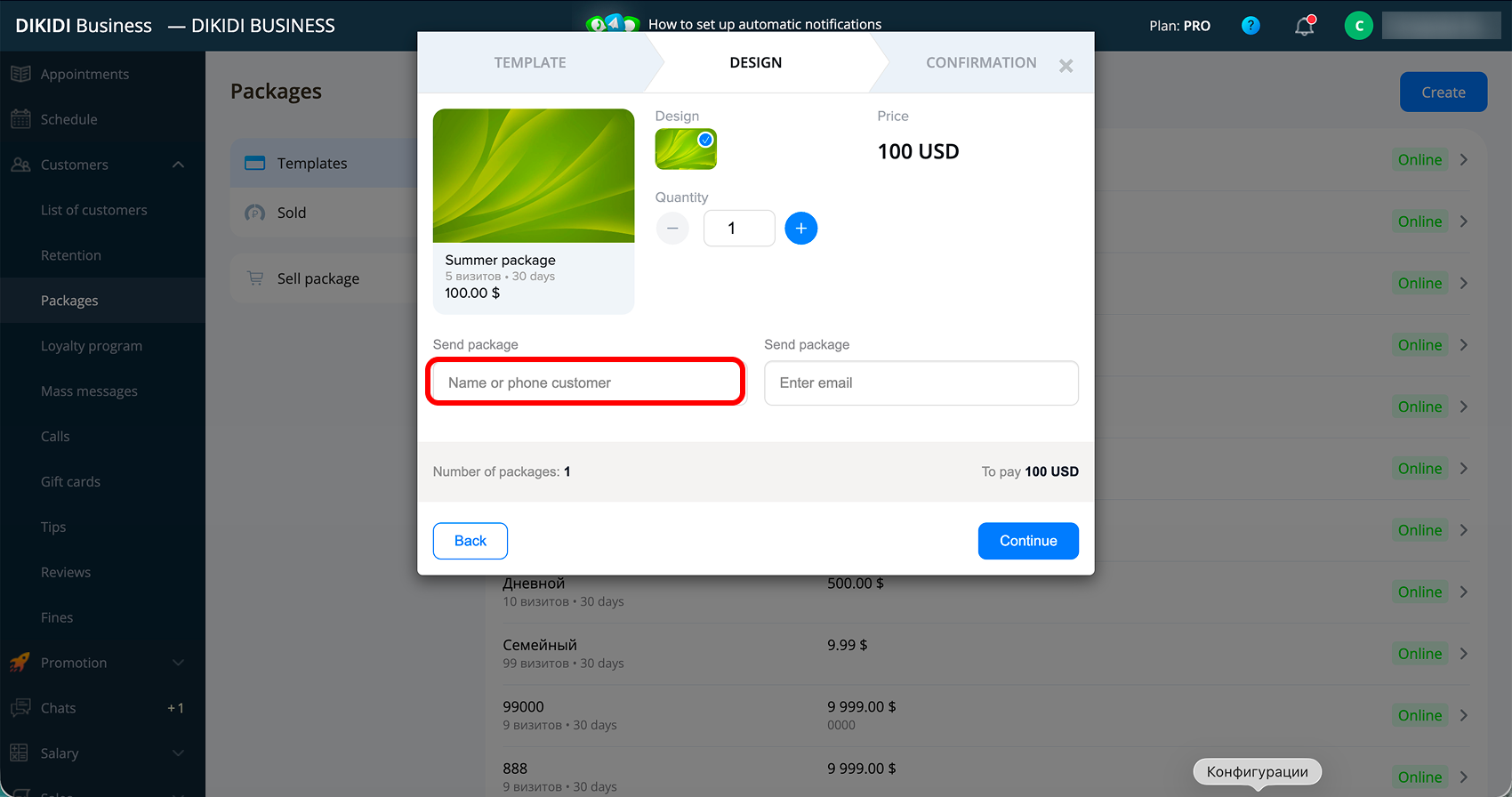
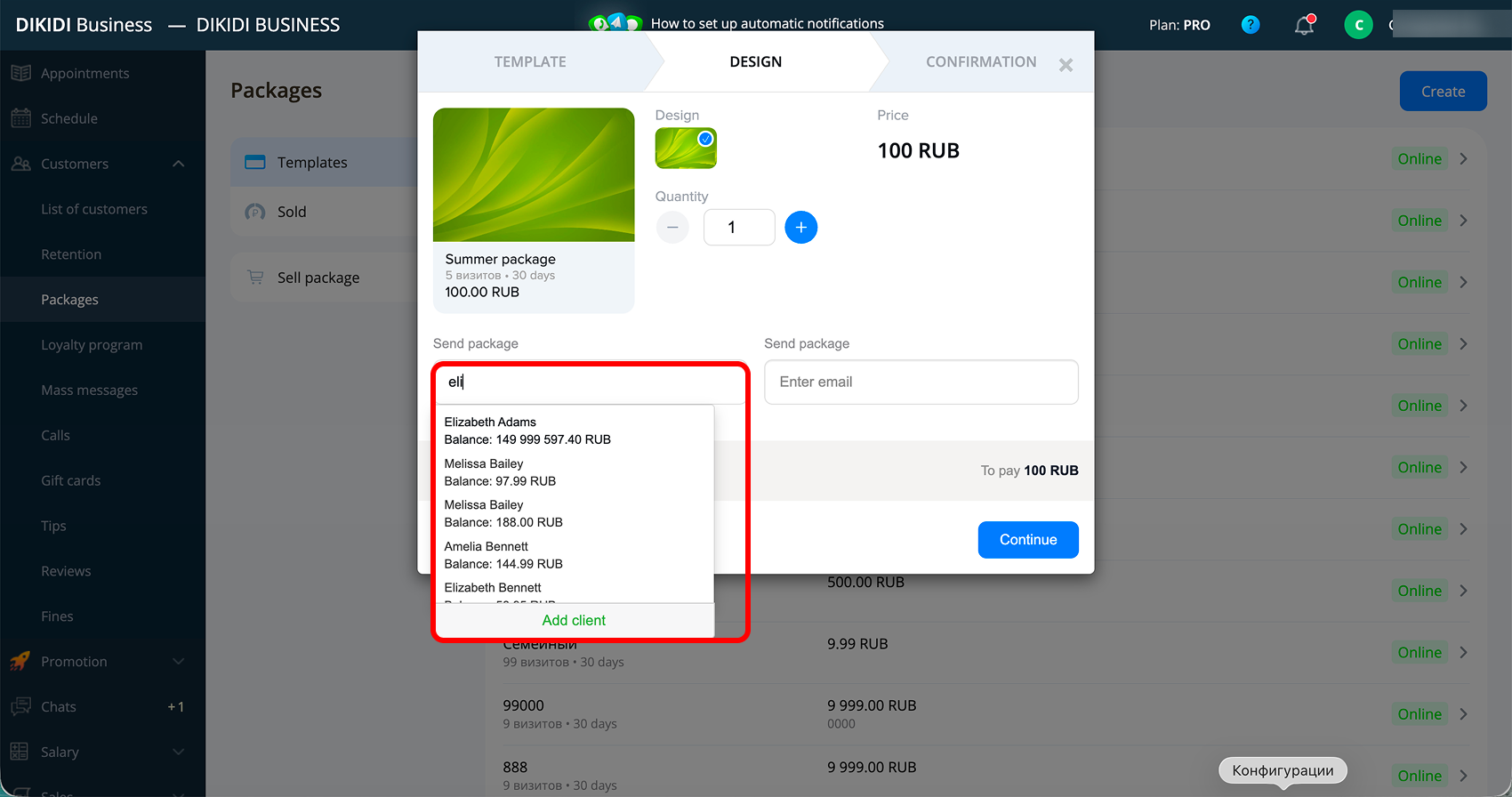
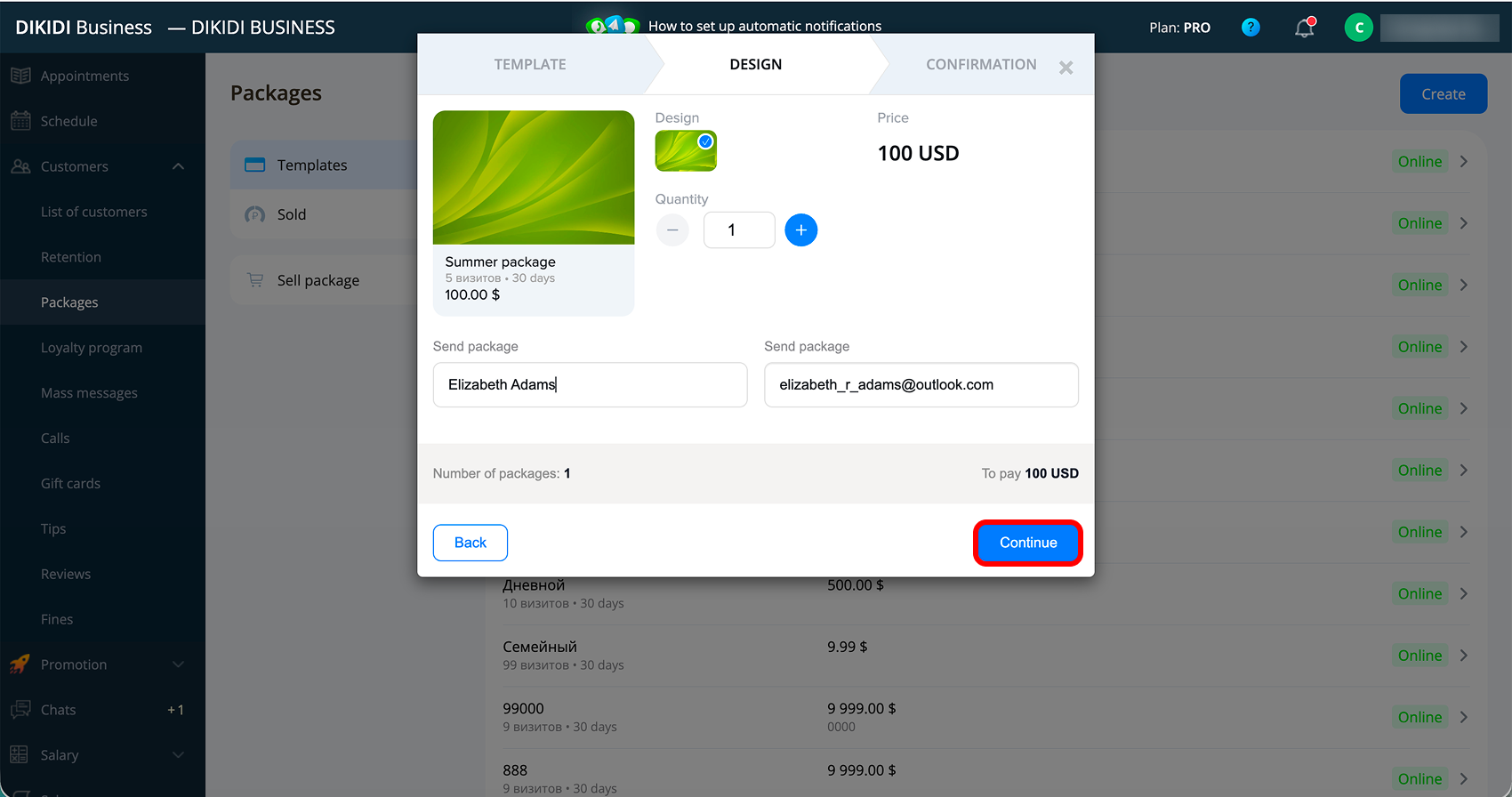
4️⃣ Choose the package design;
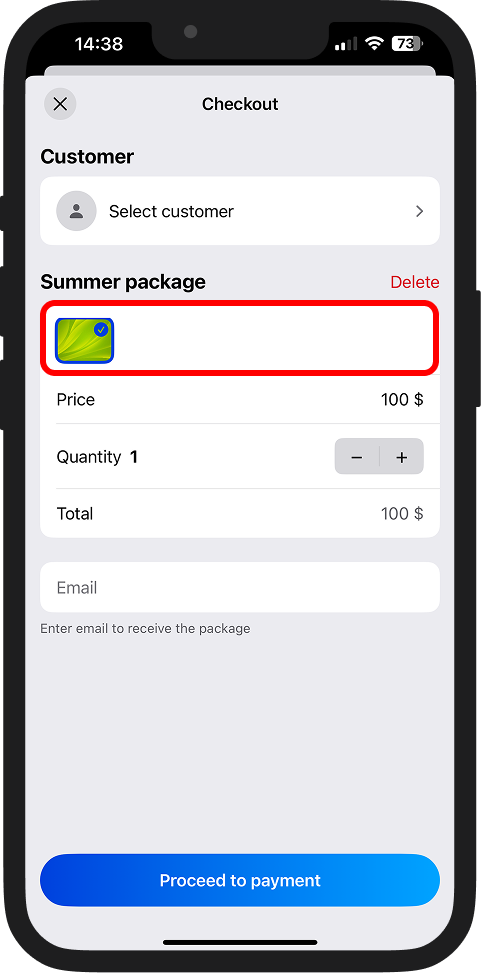
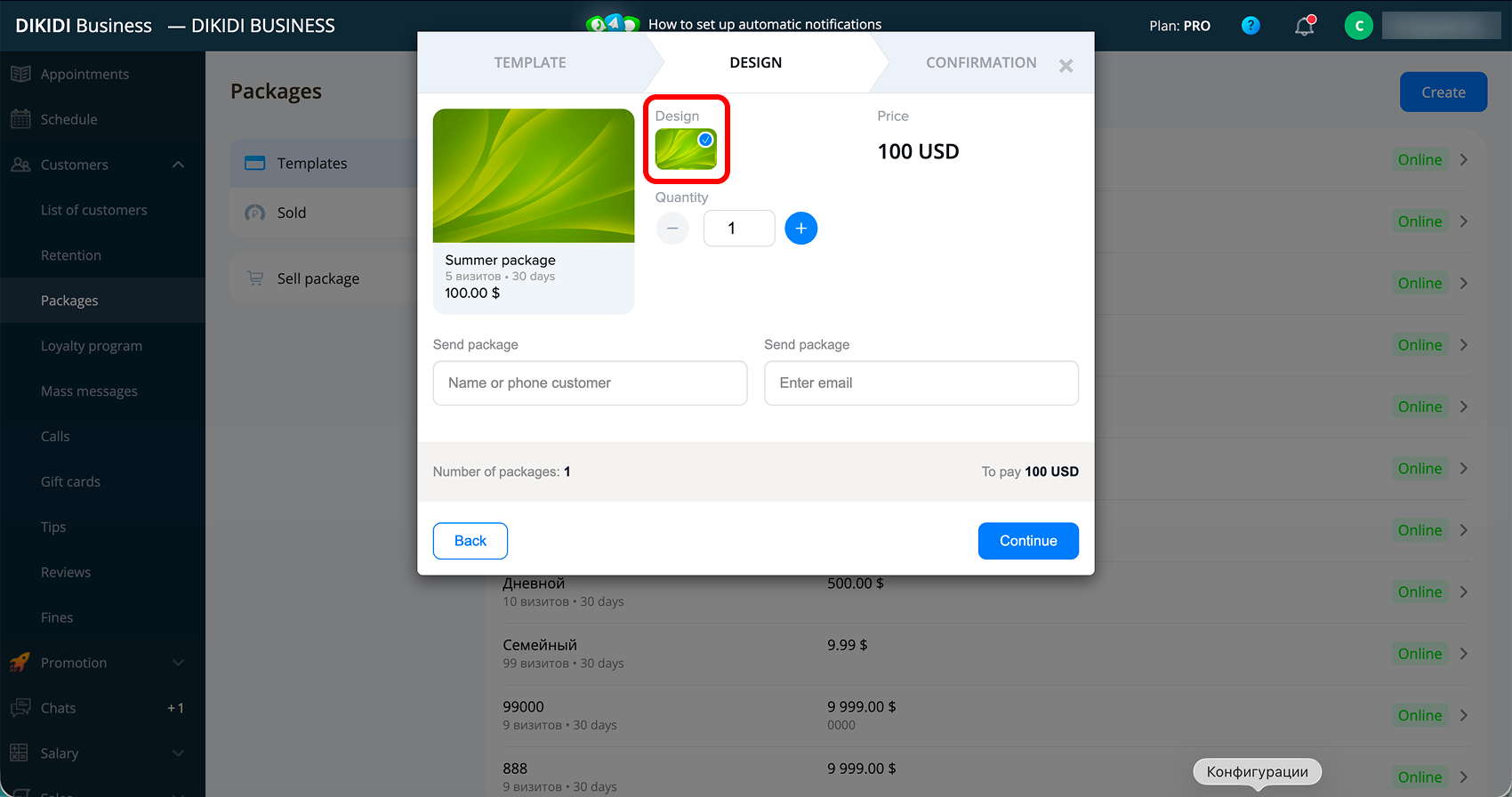
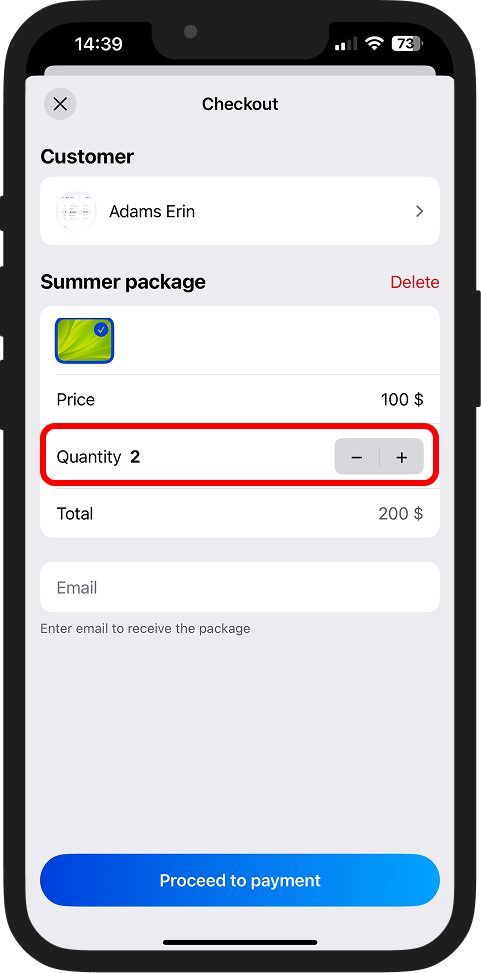
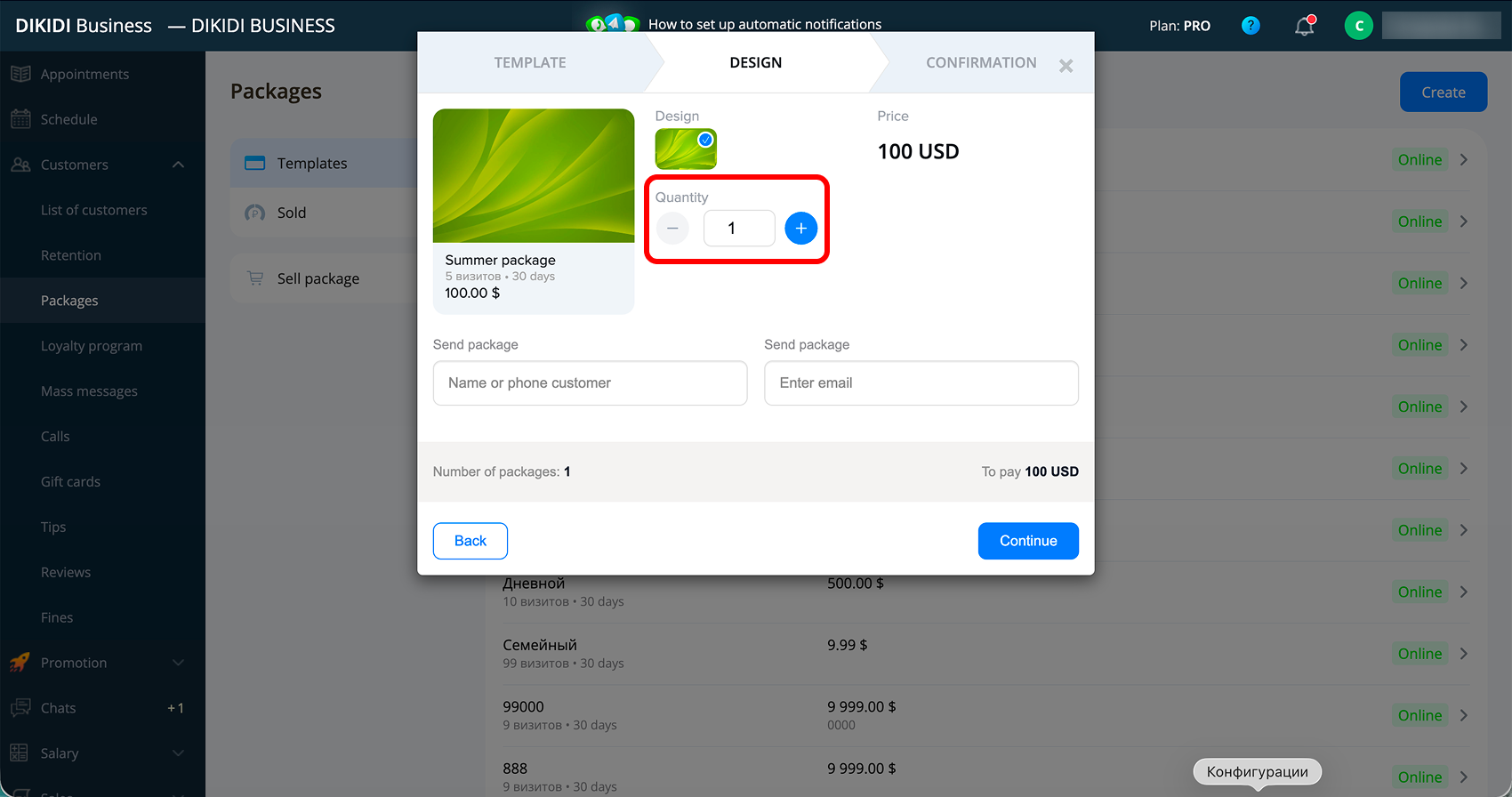
5️⃣ Specify the quantity of packages you want to sell;
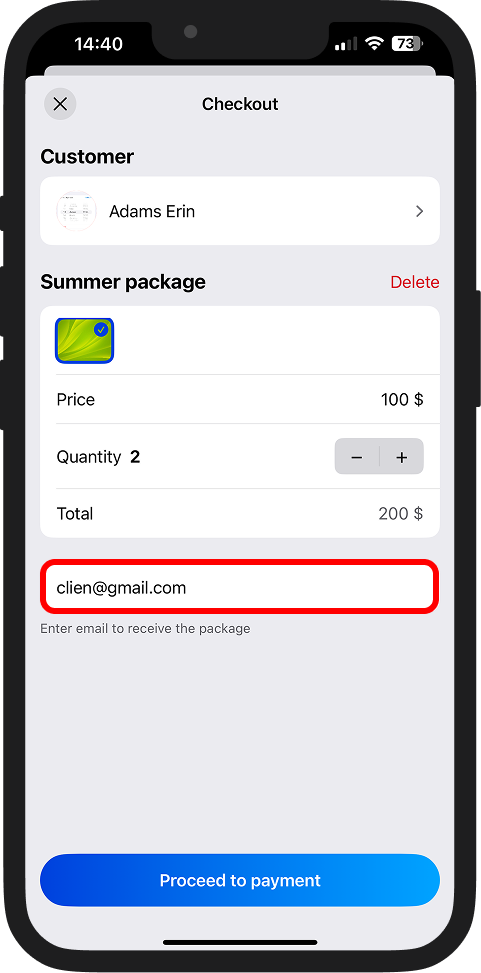
6️⃣ Enter the customer's email – the package will be sent to it;
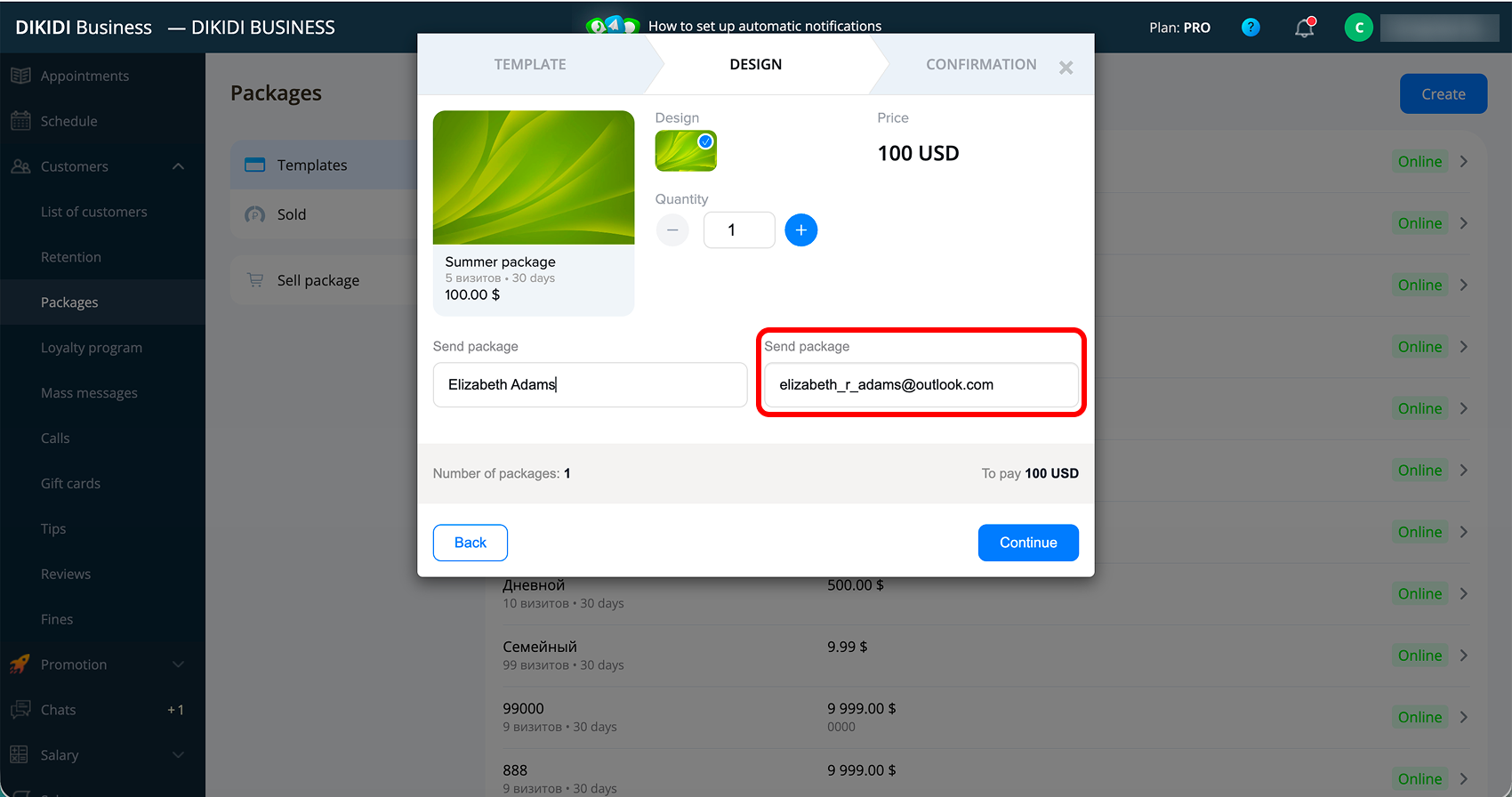
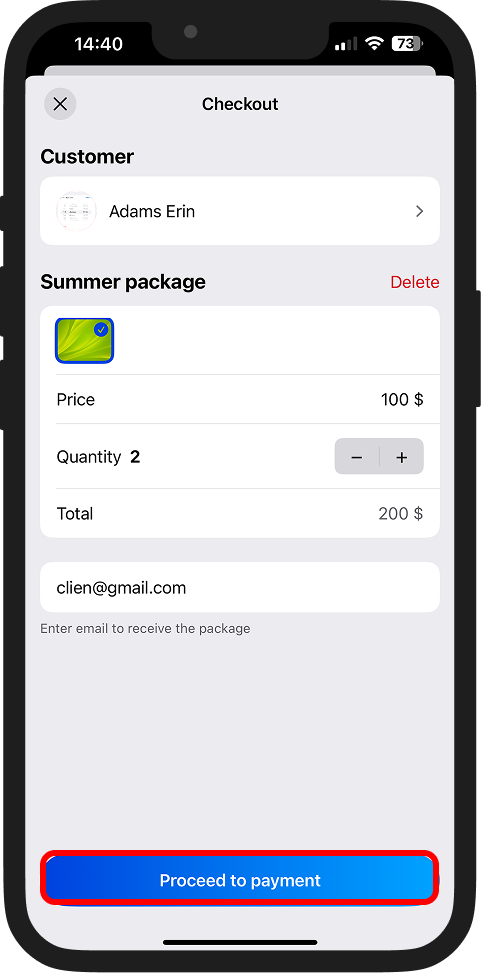
7️⃣ Click "Proceed to payment", “Continue” in the web version.
Method 2
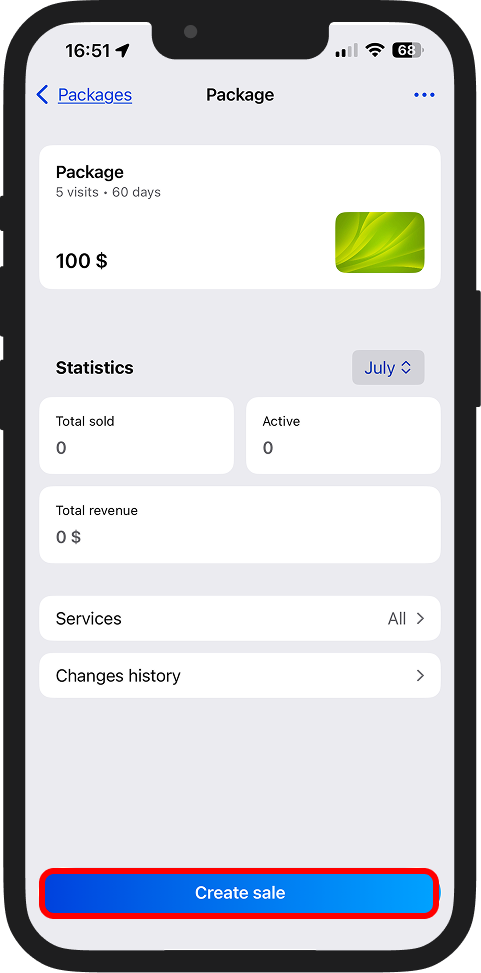
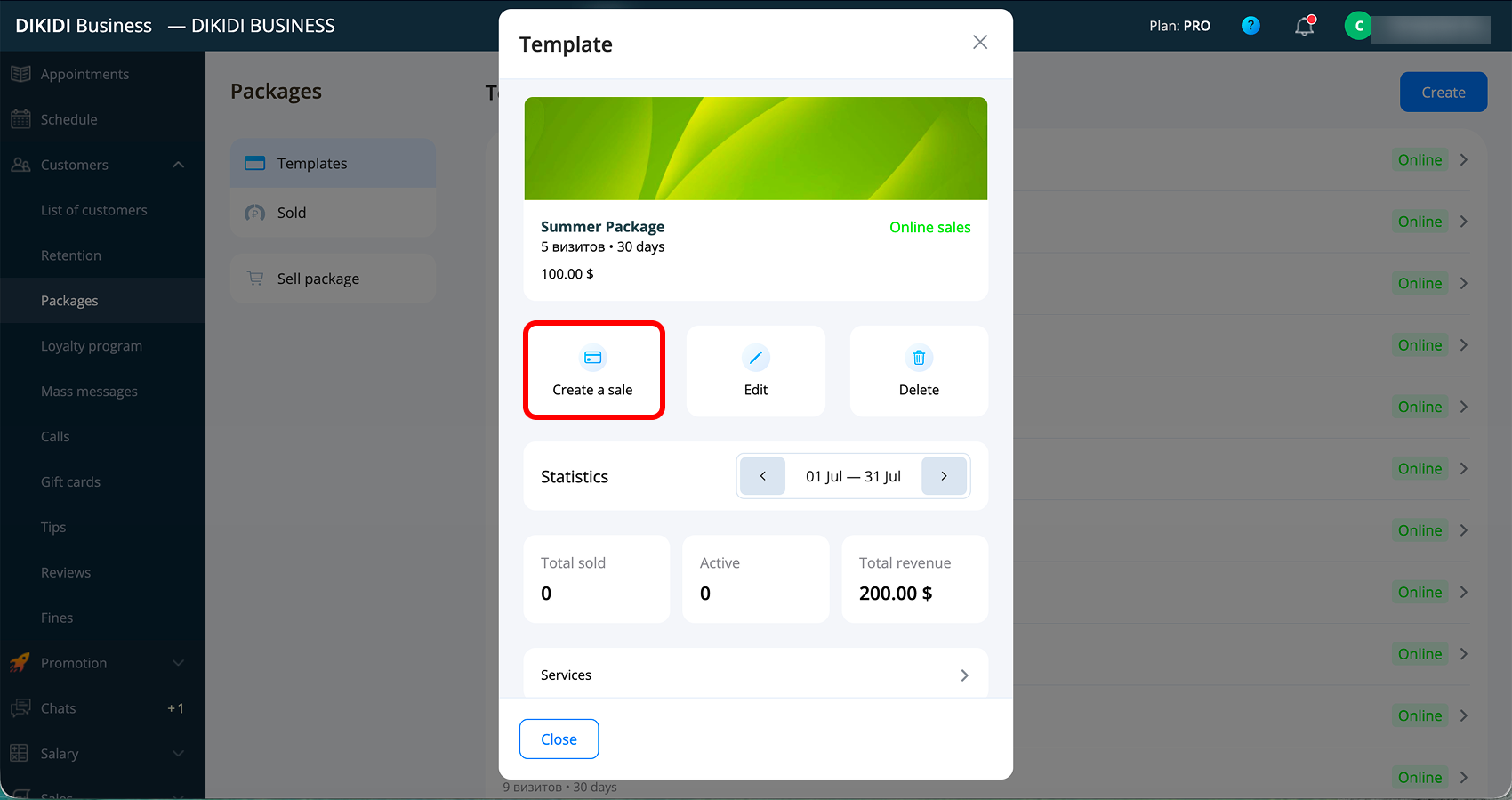
1️⃣ Go to the "Control" → "Packages" section and open the card of the required package;
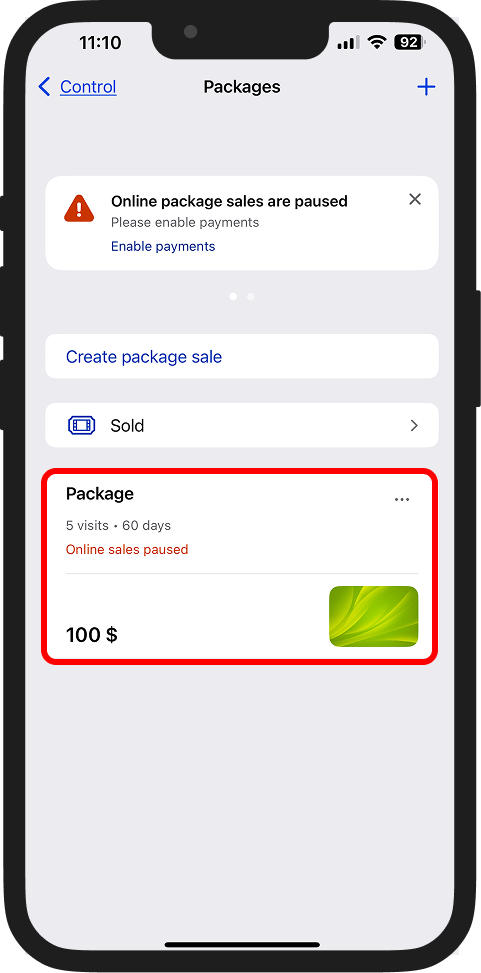
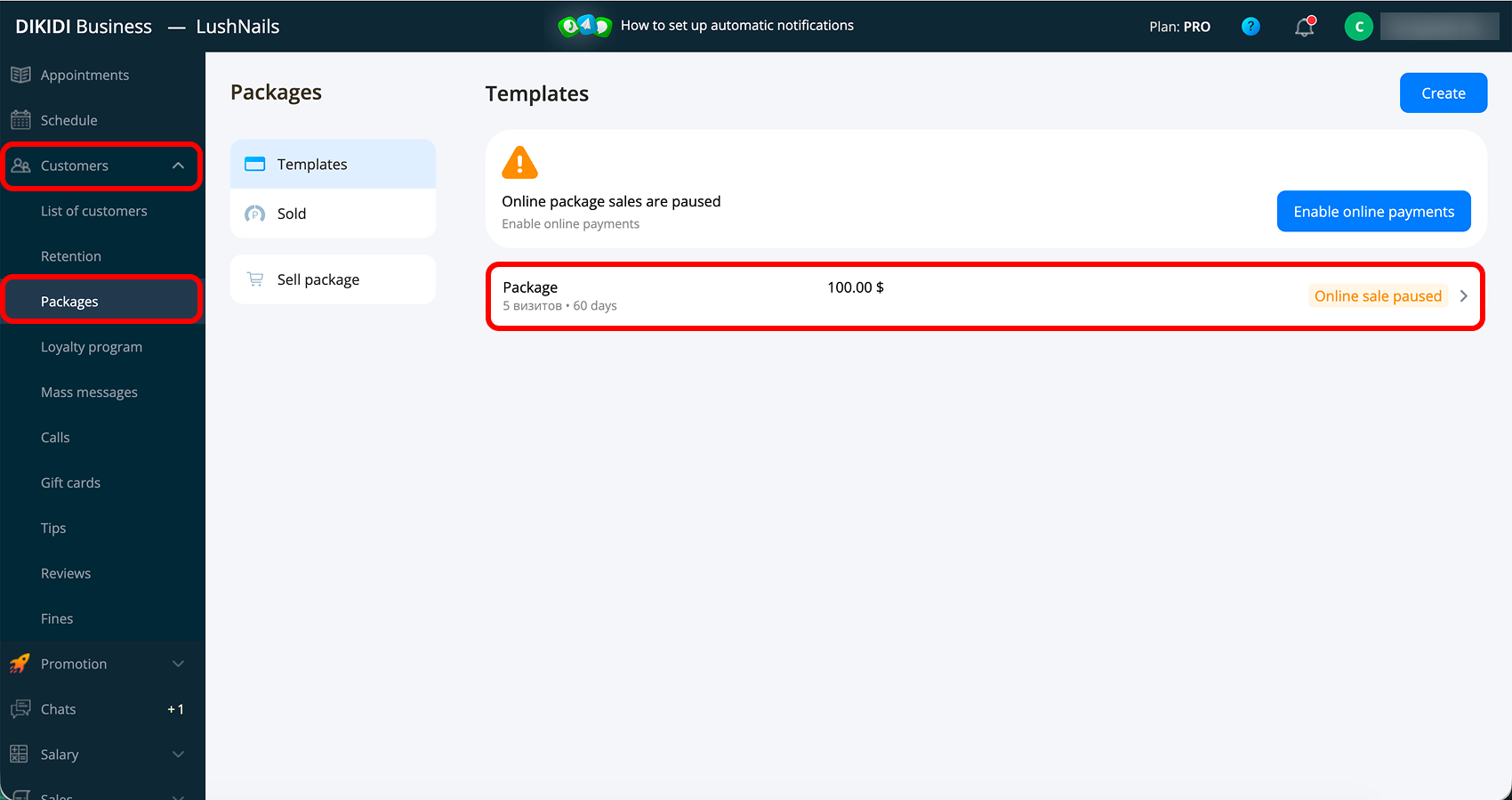
2️⃣ Click "Create sale" and then follow steps 3-7 from Method 1.
If you want customers to buy packages on their own – set up online sales in the package parameters.
📚 Read also:
● Creating a package in DIKIDI