How to Share a Deal on Social Media?
Last modified:
To get more appointments, tell your customers about the deal on social networks and in private messages. To do this, use a direct link to the deal or Online Booking – the customer will be able to follow it and book immediately.
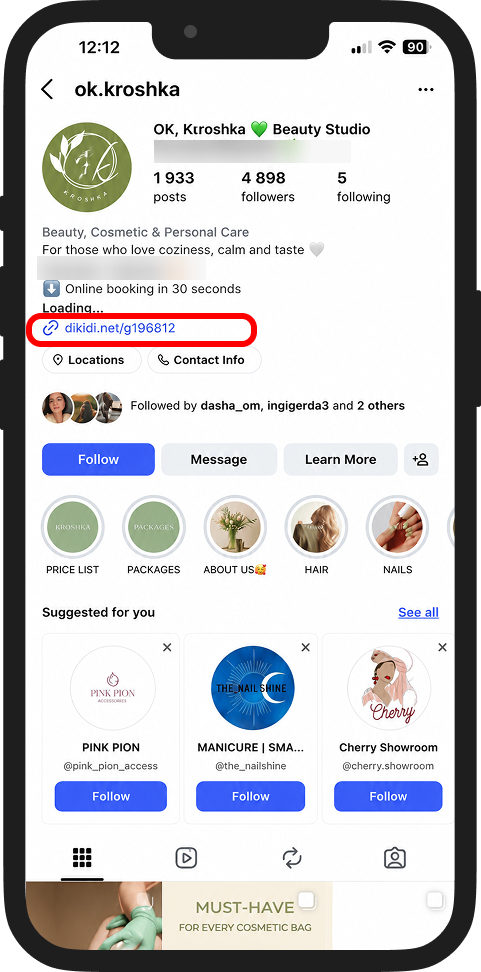
Copy the link to Online Booking and add it to the profile bio in the "Website" field. Customers will be able to follow the link and book a service.
🔹 Other social networks
You can use the link to the deal:
- in posts
- in stories
- in the profile description
🔹 In private messages
Send the link to the deal to customers in private messages — they will be able to follow it and book immediately.
💡 Use deals together with other DIKIDI tools – premium placement, bonus program, referral program, mass messages, and the "Free time intervals" feature.
This will help attract more customers and fill up "Appointments" faster ✅
📚 Read also: