5 ways of Online Booking
Last modified:
DIKIDI allows you to connect Online Booking on multiple platforms at once: in the catalog, social networks, online maps, messengers, on the website, and even in your own mobile application.
All appointments automatically go to your Appointments in DIKIDI Business. This allows customers to book where it is convenient for them, and you to get more appointments without unnecessary correspondence and calls.
Where customers can book online
The following Online Booking methods are available in DIKIDI:
1. DIKIDI Online mobile app
2. DIKIDI.net website
3. Direct link
4. Button on Google Maps
5. Online Booking button on your website
What each Online Booking method looks like
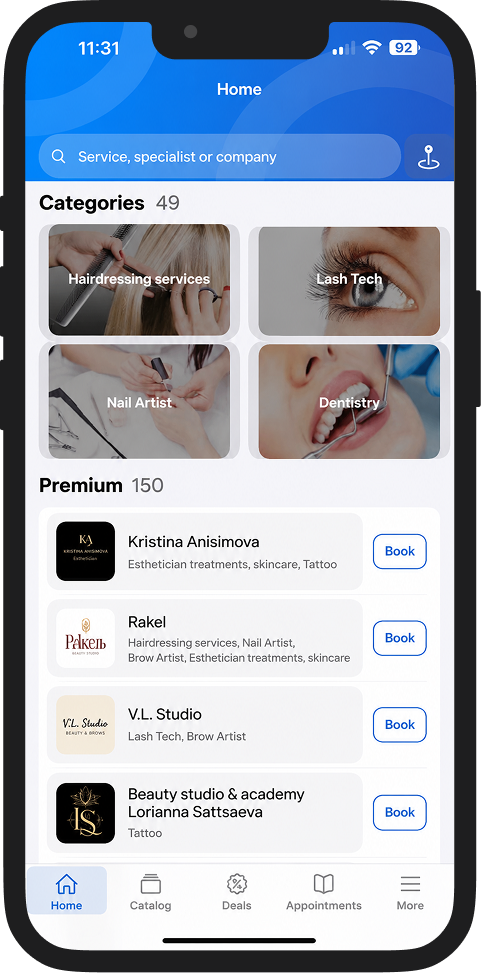
1. DIKIDI Online mobile app
Customers can book with you via the DIKIDI Online app, available for iOS and Android.
In the app, users search for staff, choose services, and book online.
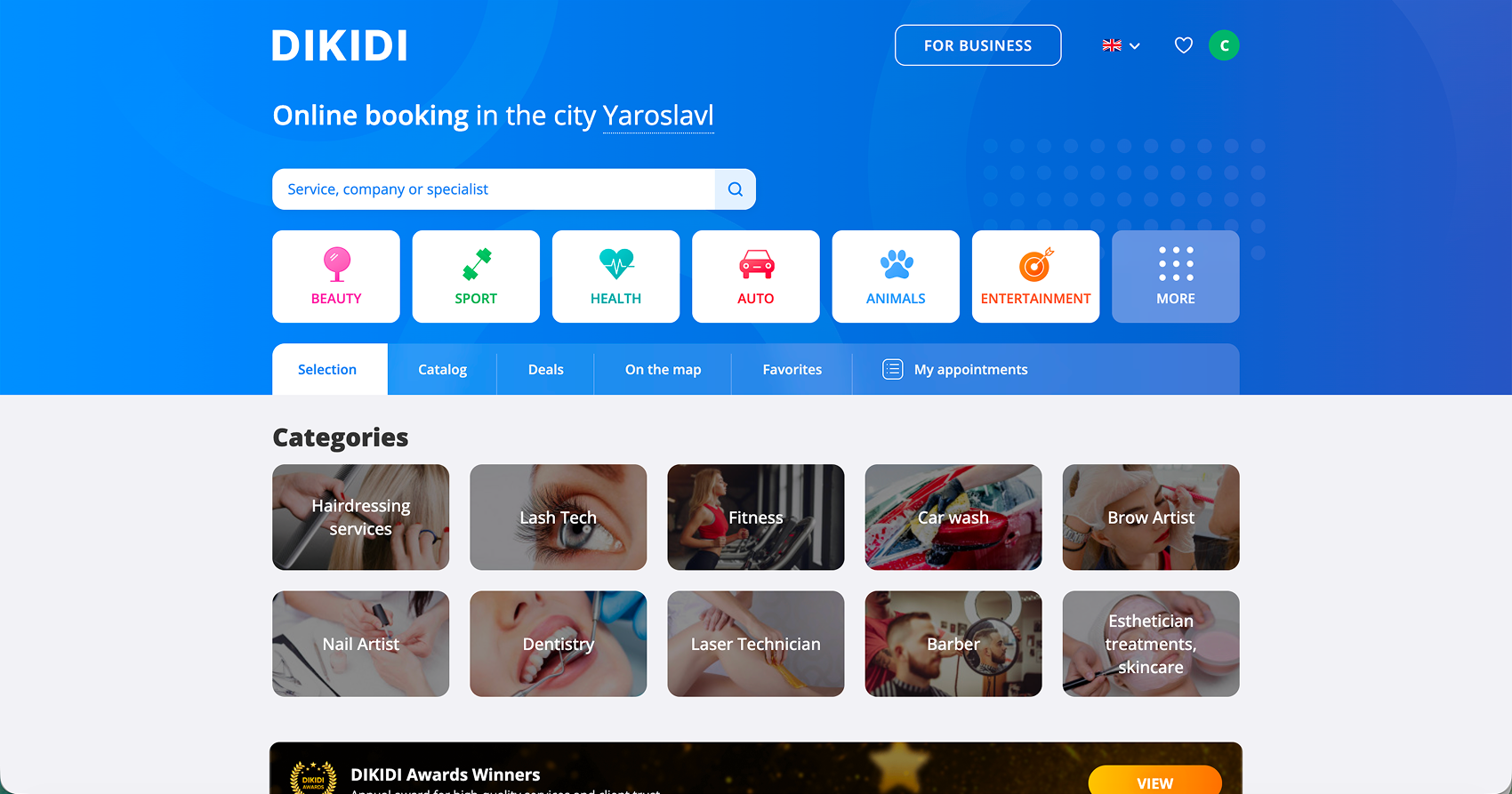
2. DIKIDI.net website
After connecting Online Booking, you get a personal page on the dikidi.net website.
Customers will be able to go to the page and book services online on their own.
3. Direct link
DIKIDI automatically creates a direct link to Online Booking.
You can:
● place it on social networks;
● send it in messengers;
● add it to posts;
● attach it to profiles on catalog websites.
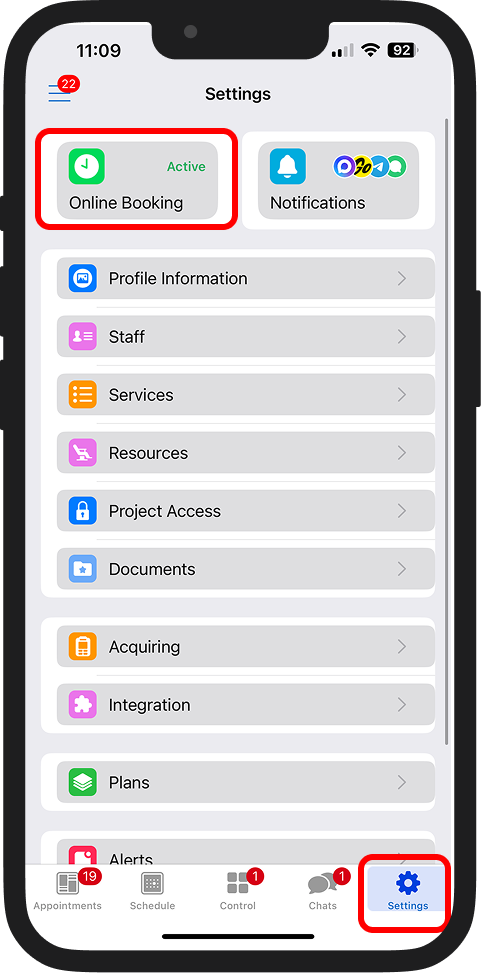
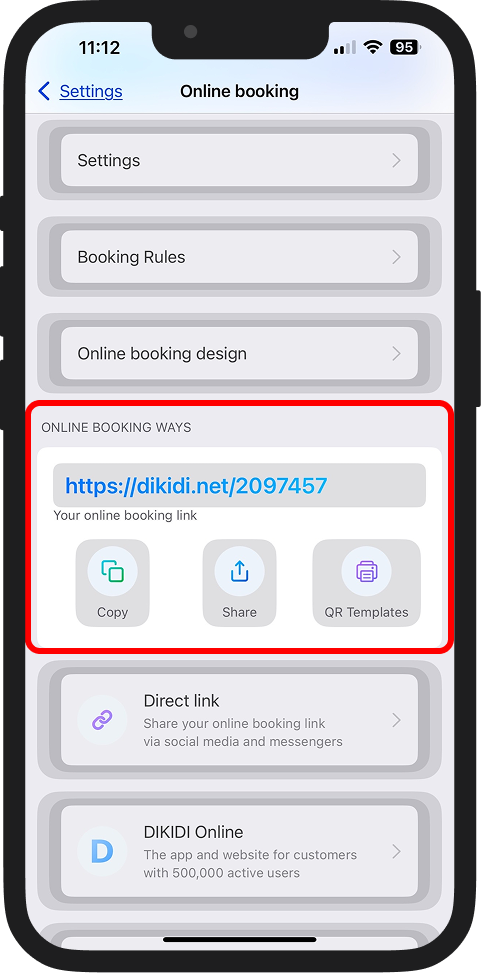
📖 Read more: How to enable online booking
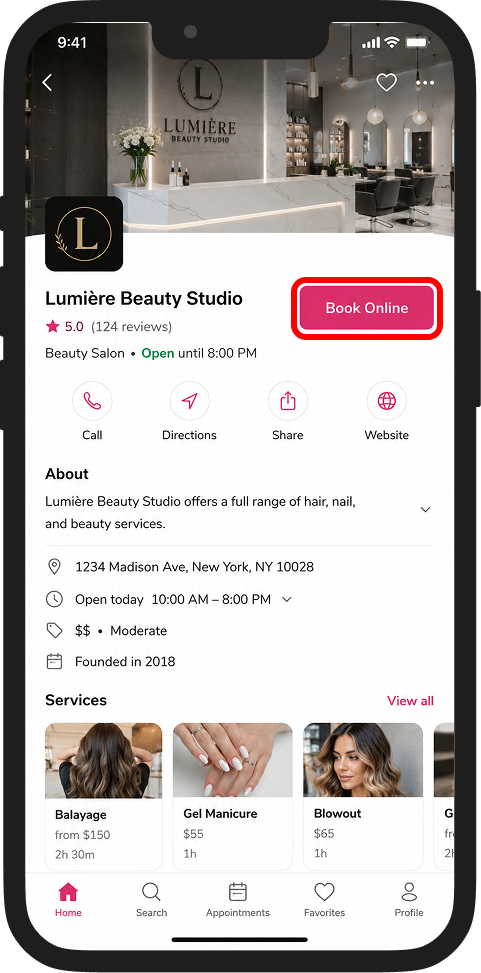
4. Button on Google Maps
Online Booking can also be added to the company profile on Google Maps. Customers will be able to proceed to booking directly from the company card.
📖 Read more: The Book Online Button on Google Maps
5. Online Booking button on your website
The Online Booking form can be placed on any website using the “Book” button. This way, customers will be able to book directly from your website.

💡 The more Online Booking methods you use, the more convenient it is for customers to book with you – which means a higher probability of getting new appointments.
📚 Read also: